
Admin Center: organize and manage your Teams Pro subscription
One console for every Teams Pro app and AI agent. Add users, assign licences, track subscriptions, and manage your whole organization in a few clicks.
What you can do
Everything you need. Nothing extra to learn.
A clean console to run all your Teams Pro apps and AI agents. Whether you're an IT admin, a team lead, or the person who just bought the first licence.
Manage users & licences
Add users, assign licences, and reassign them as your team changes. All in one click.
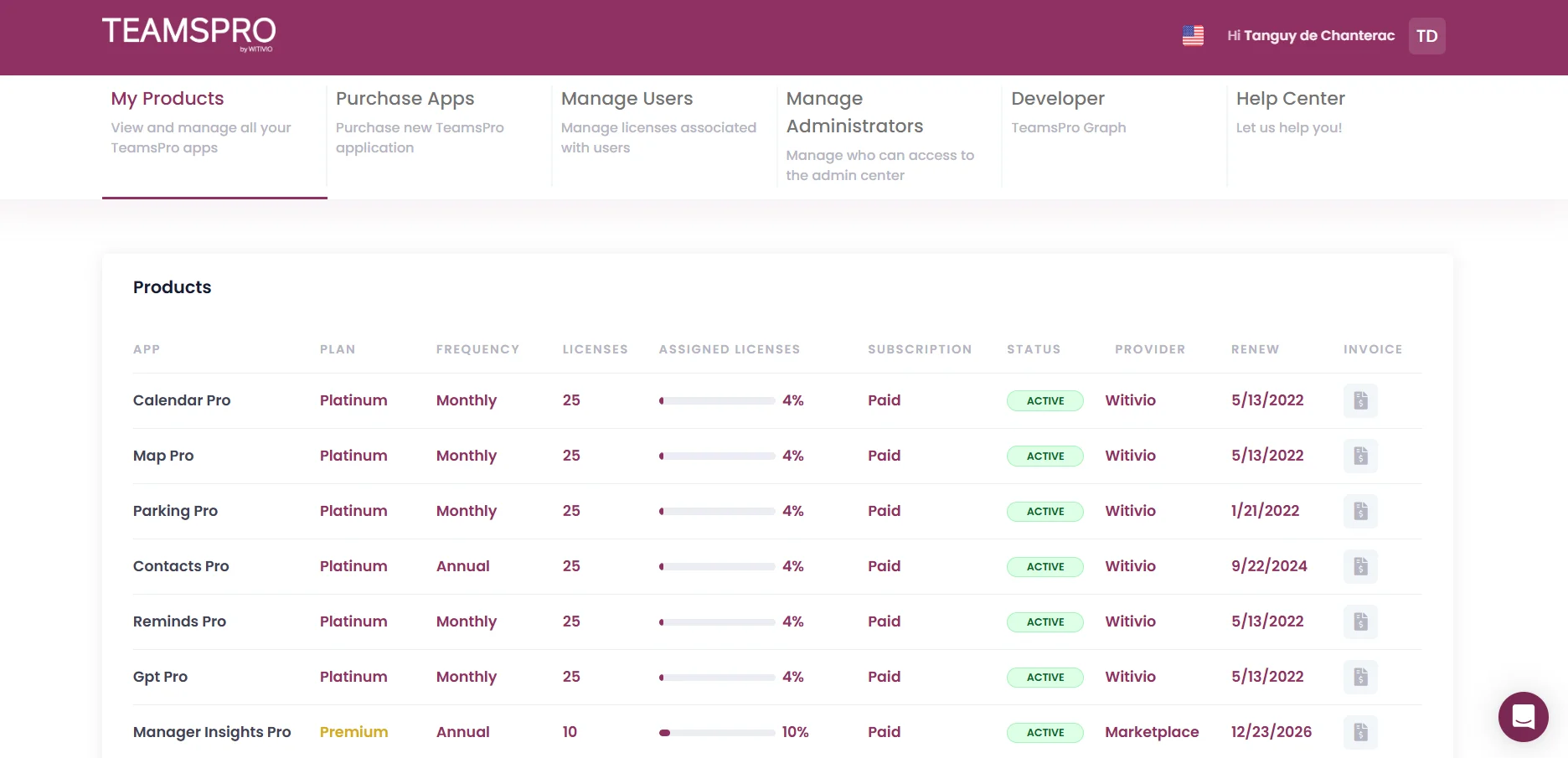
Subscriptions & invoices
Track plans, renewals, and download every invoice. No back-and-forth with finance.
App & Agent Catalogue
Discover and deploy Teams Pro apps and AI agents from a curated, category-grouped catalogue.
Security & SSO
M365 SSO, audit logs, and tenant-scoped data. Aligned with your existing IT controls.
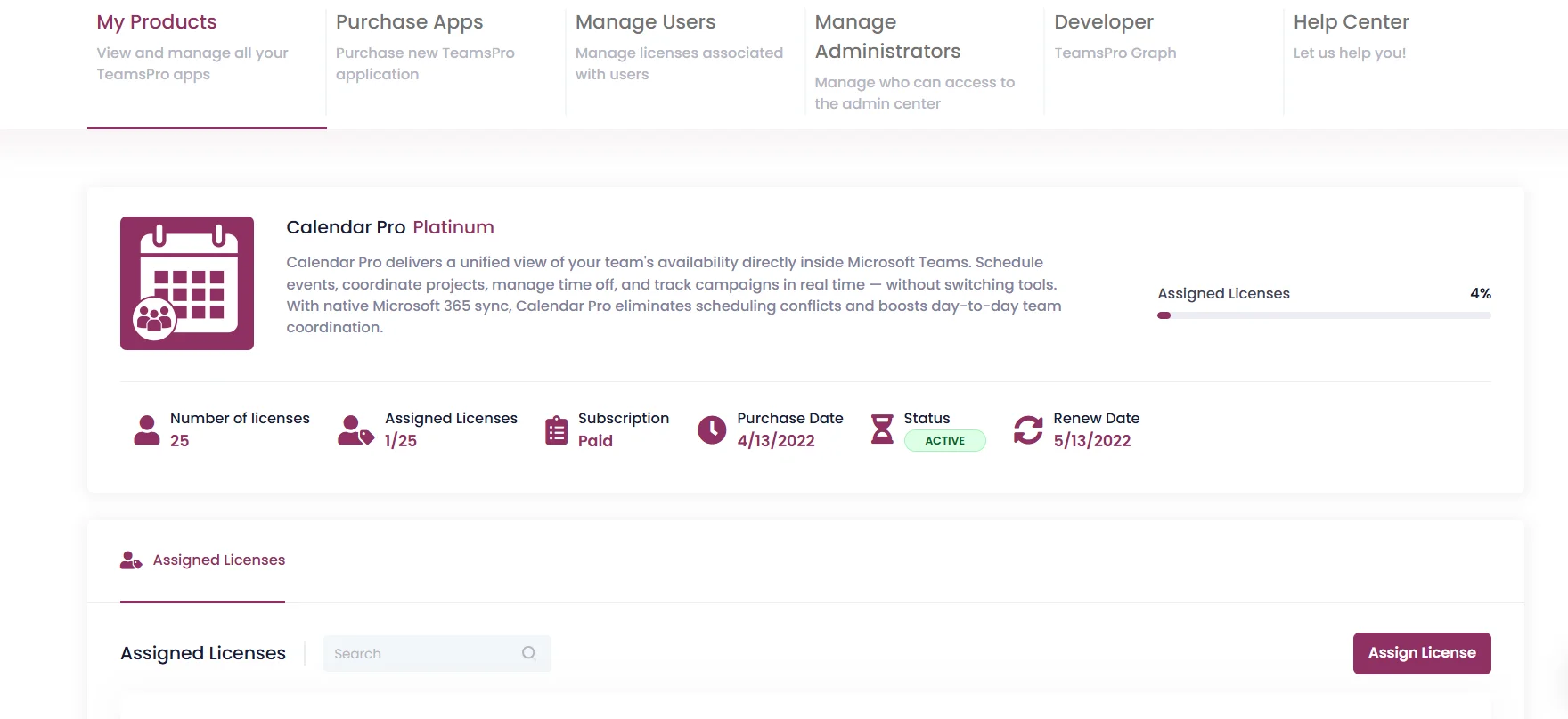
Licence Management
Drill into any product. Assign licences in seconds.
- See active licences, assigned licences, purchase date, and renewal date for any app or agent at a glance.
- Assign or revoke licences per user with a single click. Changes apply instantly.
- Get visual indicators when assigned licences are running low.
- Search through assigned users and reassign licences as your team evolves.
Subscriptions & Renewals
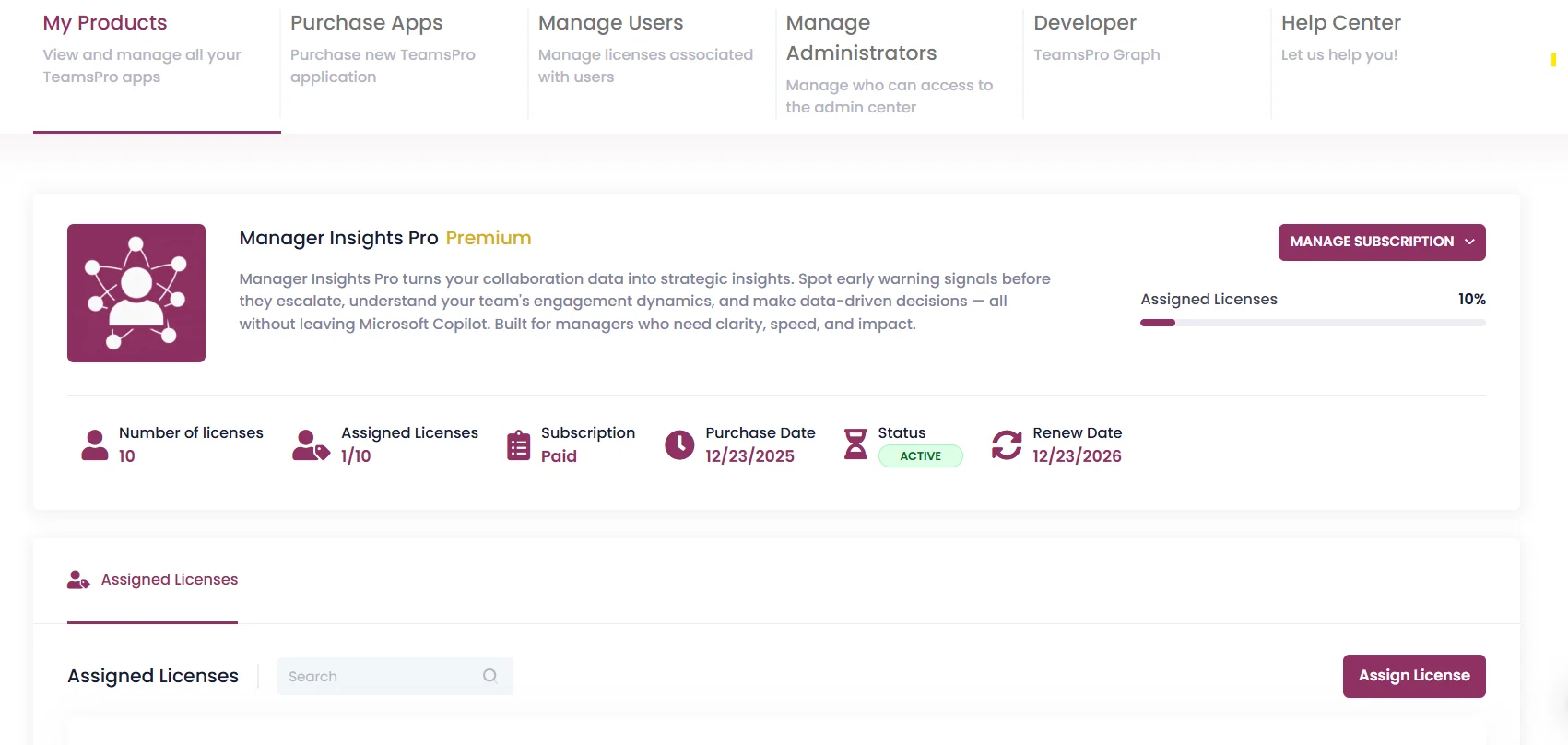
Manage every subscription from one place
- Track plan type, billing frequency, status, and renewal date for every app and agent side by side.
- Manage subscriptions: upgrade, downgrade, or cancel directly from the Admin Center.
- Download invoices for any product, any billing cycle. No chasing required.
- Spot underused apps and agents early and optimize spend before renewal.
App & Agent Catalogue
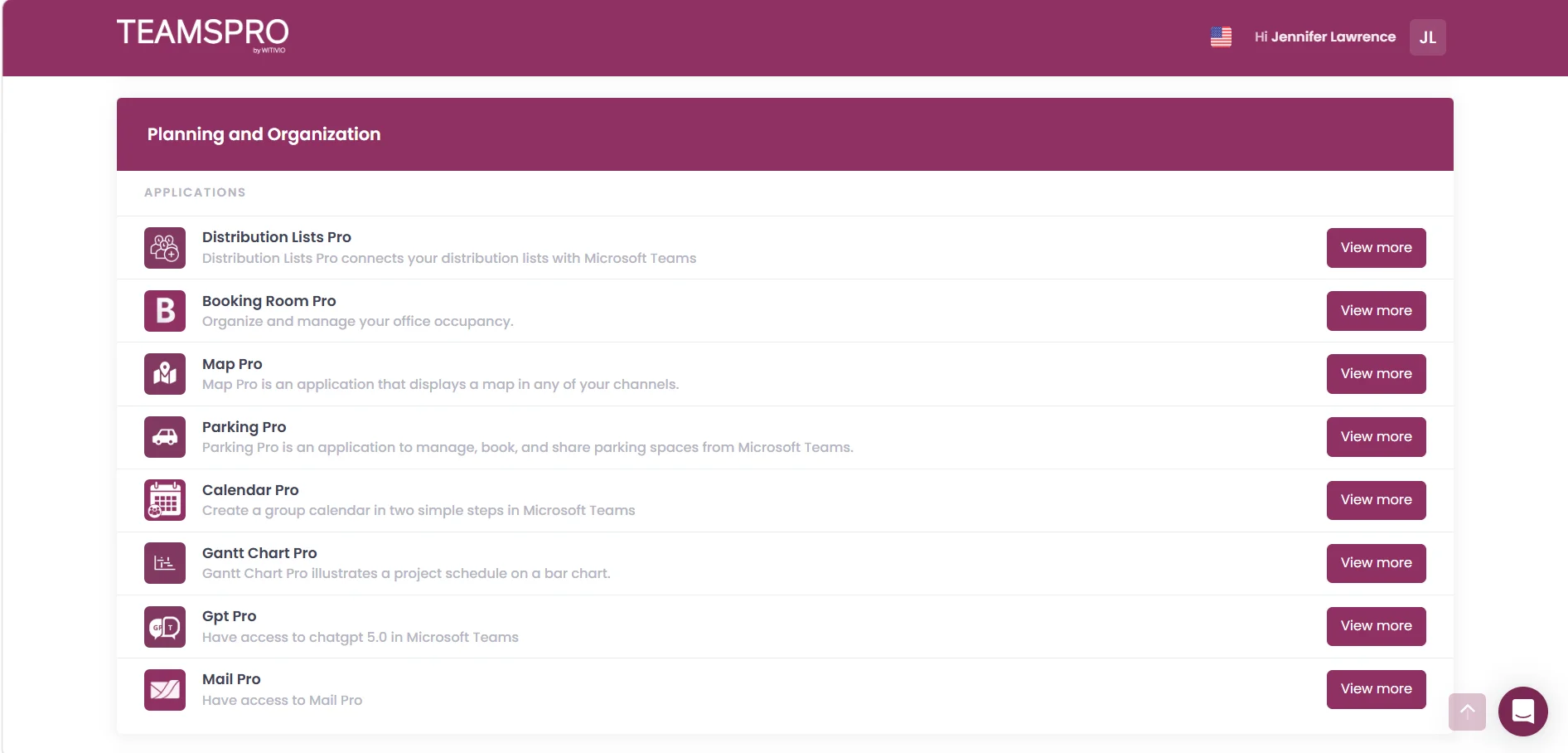
Discover apps and agents. Deploy them in clicks.
- Browse the full catalogue of Teams Pro apps and AI agents, grouped by category: planning, communication, security, and more.
- Each product includes a short description so non-technical admins can choose with confidence.
- Deploy a new app or agent to your tenant directly from the catalogue, no Store installs needed.
- Stay current as new apps and AI agents are released. The catalogue updates automatically.
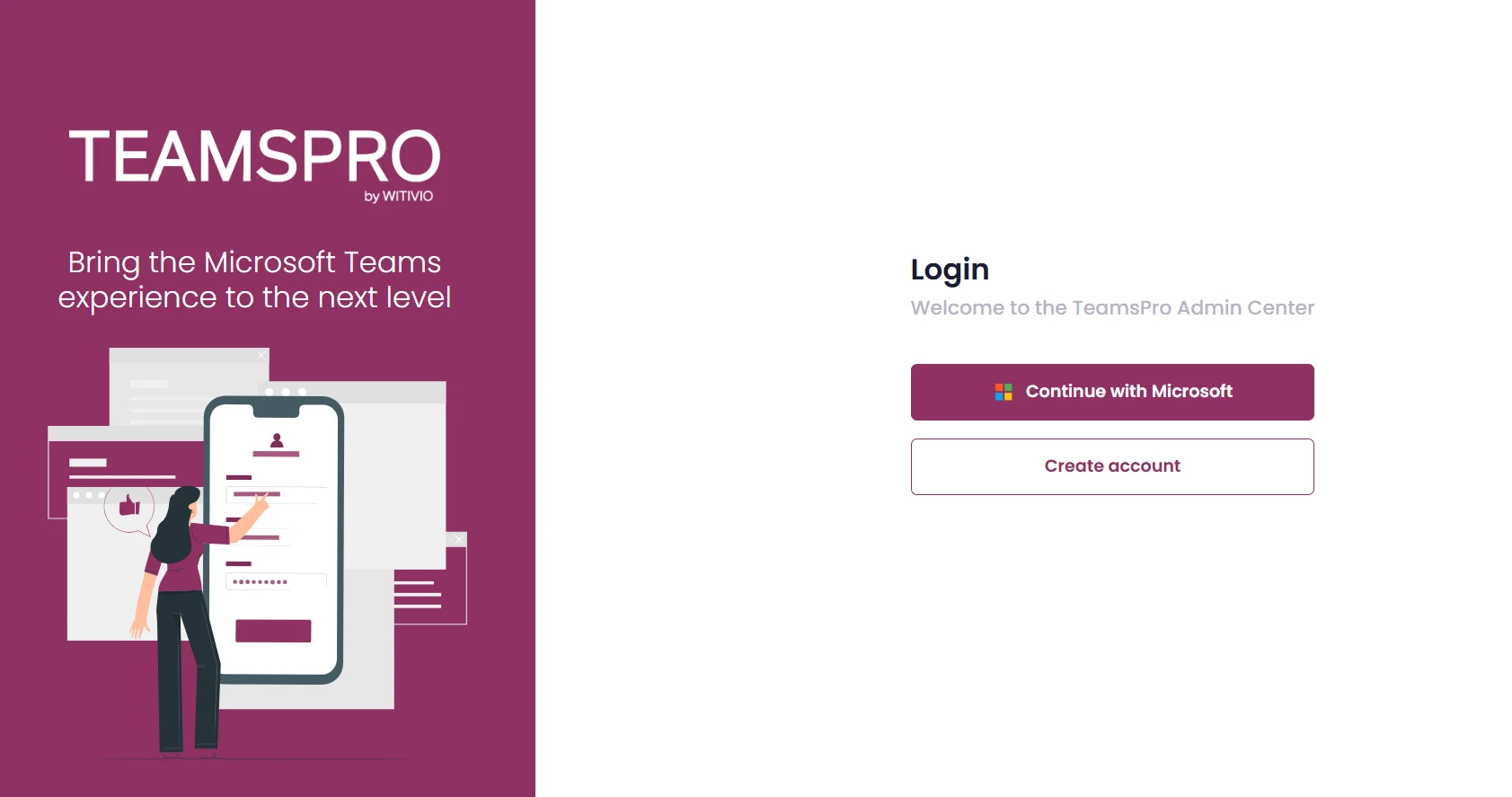
Sign in with Microsoft 365
No new credentials. No third-party login.
The Admin Center authenticates via your existing Microsoft 365 identity. Sign in with the same SSO and conditional access policies your organization already manages in Azure AD. No new accounts, no new passwords, no new attack surface.
- Sign in with the same Microsoft 365 account used for Teams.
- Inherits all your tenant's MFA and conditional access policies.
- Granular role-based access controls for delegated admins.
- Audit logs available for every action taken in the console.
Security first
Your data never leaves Microsoft 365
All Teams Pro apps and AI agents are hosted on Azure, authenticated via M365 SSO, and comply with GDPR and ISO 27001. The Admin Center gives your organization full visibility, audit logs, and zero new attack surface.