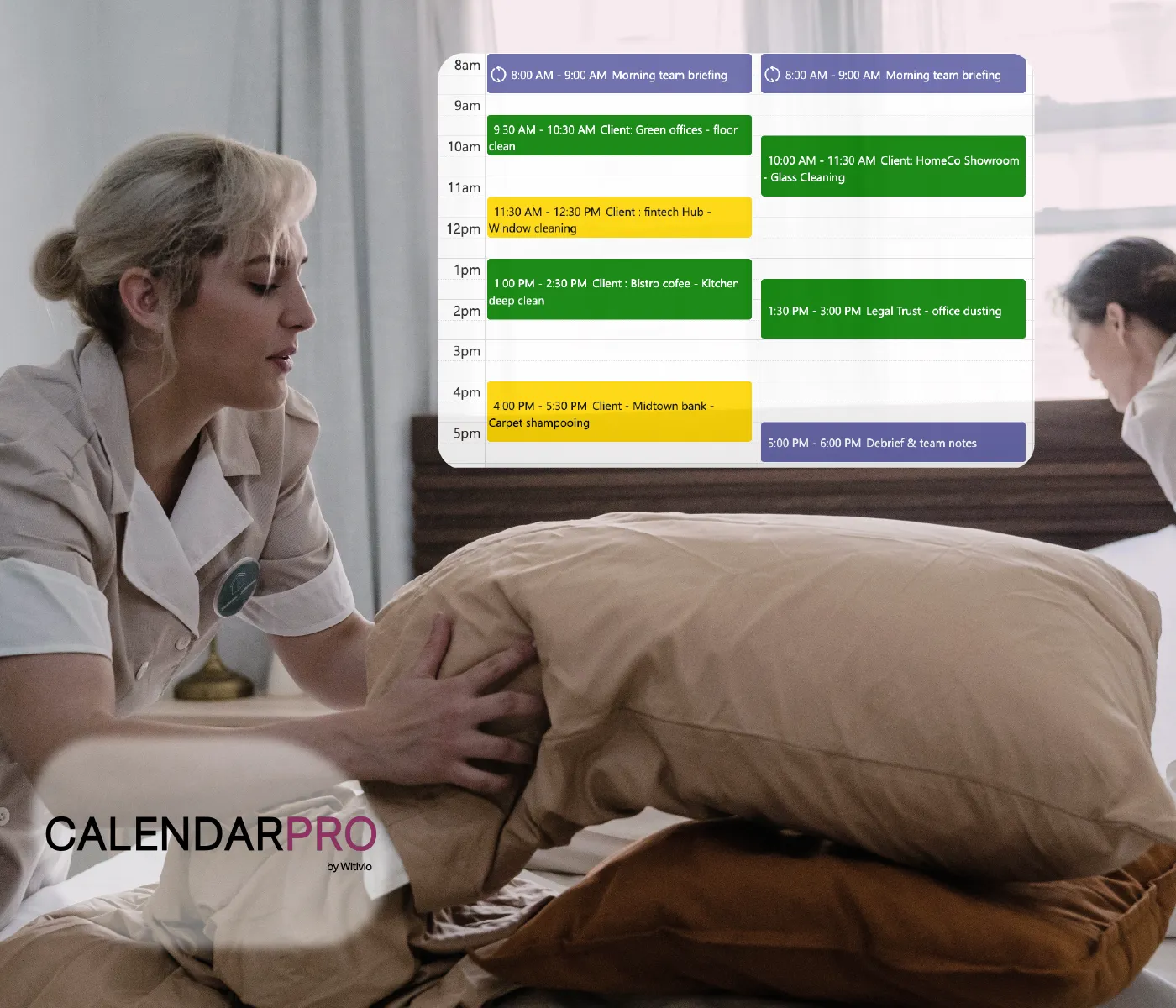
Paid time off (PTO) is essential for employee well-being, but managing it shouldn’t be a headache. Between tracking requests, checking team availability, and updating schedules, HR and managers often waste time on back-and-forth communication.
That’s why many companies use Calendar Pro inside Microsoft Teams to handle PTO, making it easier to request, approve, and track time off in one shared calendar everyone can access.
Why managing PTO can be tricky
Employees send time-off requests through different channels
Managers don’t always know who else is off
Approvals get delayed or lost in emails
Teams are understaffed because of overlapping absences
Without a central, shared system, PTO quickly becomes a source of stress, not only for HR, but for the whole team.
How Calendar Pro makes PTO easier
✅ Employees create time-off events directly in a shared calendar
✅ Managers are notified and can approve right inside Teams
✅ Everyone sees who is off and when, with no surprises
✅ Color codes help identify pending vs. approved PTO
✅ No external apps or emails needed. It all stays in Teams
Real example: keeping PTO organized in a customer support team
A customer support team of 20 used to manage time off via email. Managers constantly had to cross-check spreadsheets and reply to each request individually. Now, with Calendar Pro in Teams:
✅ Each agent requests PTO by adding an event to the shared calendar
✅ The manager approves by updating the event status
✅ The team can see who's off next week at a glance
The result? No missed requests, better staffing, and less time spent managing time off.
| PTO management | Without Calendar Pro | With Calendar Pro |
|---|---|---|
| Request process | Emails, messages | Event added in shared calendar |
| Approval tracking | Manual follow-up | Color-coded event status |
| Team visibility | No overview | Everyone sees who’s off |
| Staff planning | Guesswork | Clear calendar view |
| Tool usage | Spreadsheets and emails | All in Teams |
Why Calendar Pro is great for time-off management
It’s fast, simple, and built into a tool your team already uses. No more back-and-forth messages or last-minute surprises. Just one place to manage all your team’s availability.
✅ HR has better visibility
✅ Managers can plan ahead
✅ Employees feel more confident requesting time off
Try Calendar Pro for PTO
If your team is tired of juggling time-off requests, give Calendar Pro a try. It makes PTO easy for everyone.
PTO is just one piece of the presence puzzle. See how hybrid teams use the same shared calendar to track who's working from home, on-site, or out of office, all in one place.

Léa Dubois
Product managerBefore writing this article, Léa took a close look at the daily challenges faced by fast-growing HR teams. She explored how modern tools like Calendar Pro can help them coordinate time off more easily and keep everyone calm, happy, and aligned.