





Map Pro helps operations teams visualize client locations, upcoming interventions, and important places, all inside Microsoft Teams. Powered by Google Maps, with Street View, Satellite, and more.
How Map Pro helps you
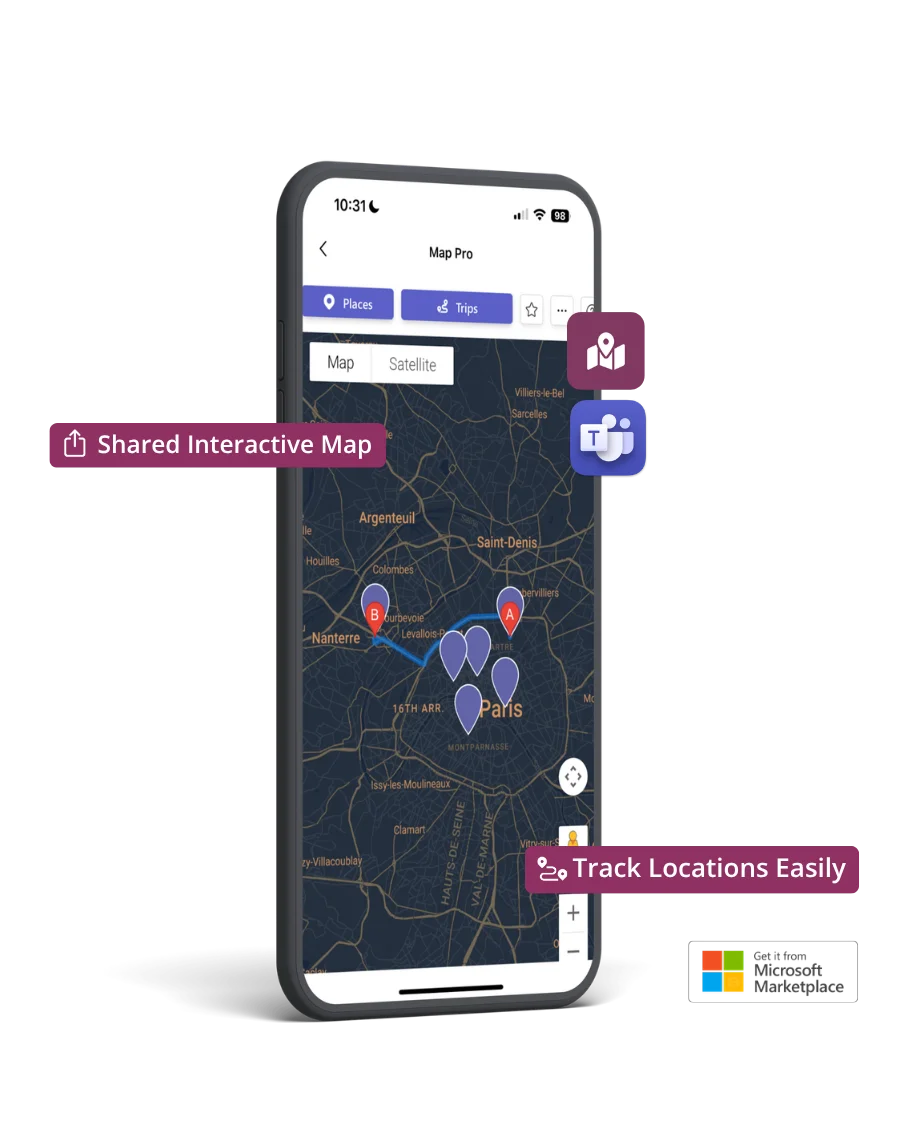
Map Pro turns addresses, routes, and visits into shared, visual maps, right inside Microsoft Teams. So your team knows where to go, when to be there, and what's happening.
Keep your team informed with a shared map of key locations so everyone knows where things are happening.
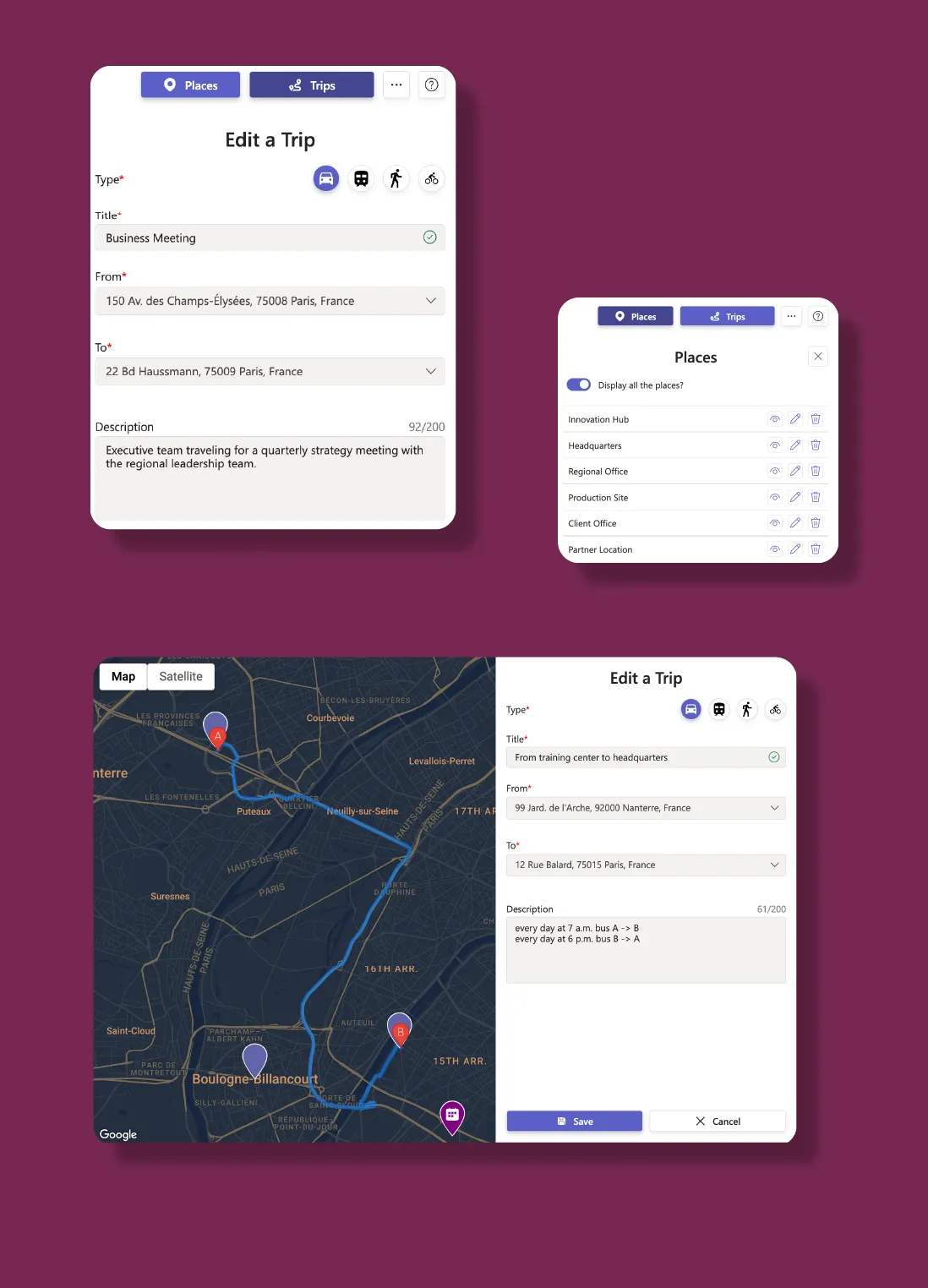
Plan upcoming visits, deliveries, or interventions as visual trips so your team can follow the route.
From Street View to Terrain, use the map views that make sense for your work, all without leaving Teams.
Personalized shared maps
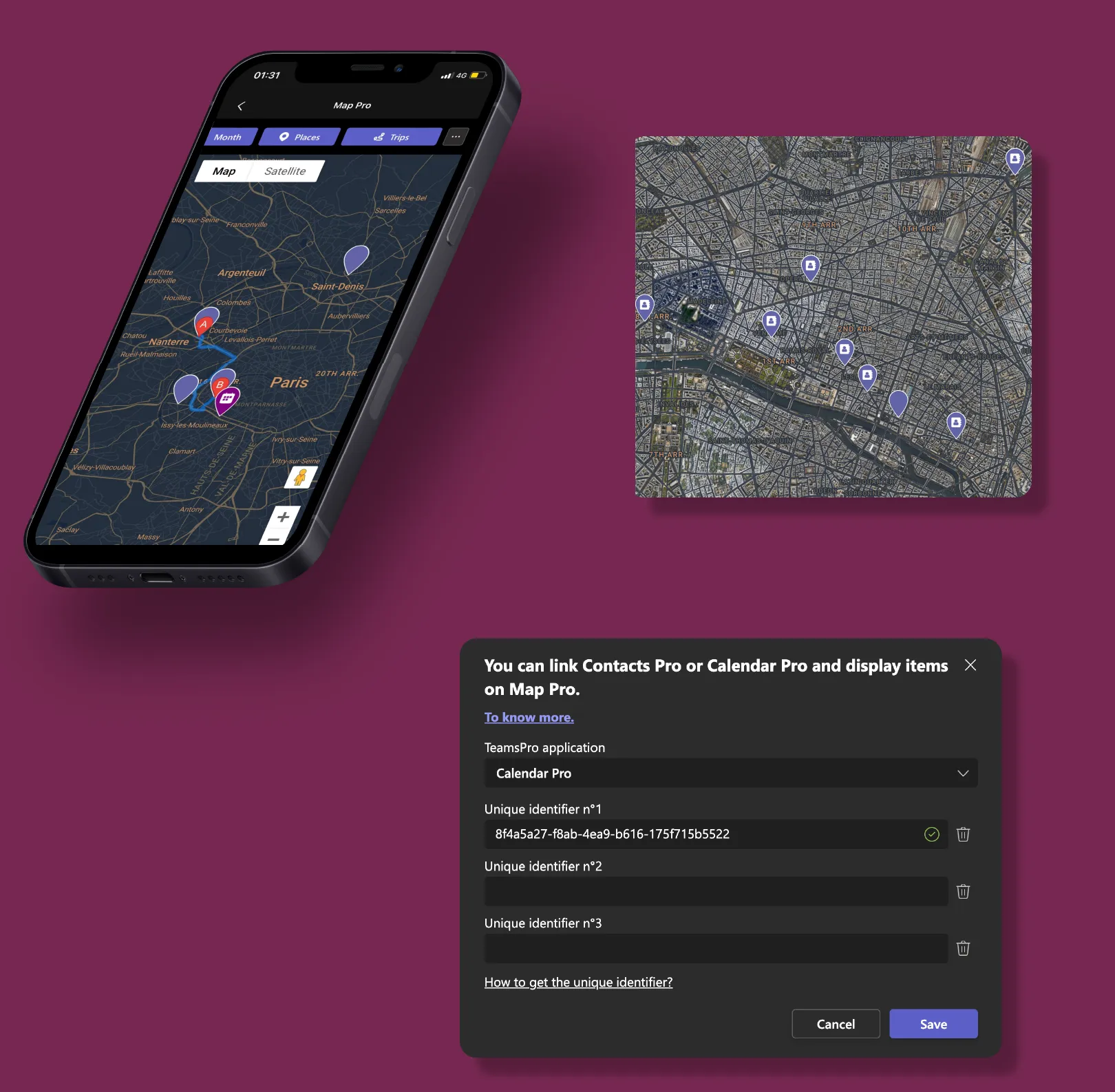
Smarter maps with Teams integrations
Popular scenarios
From client visits to scheduled interventions and deliveries, Map Pro helps teams visualize, plan, and stay aligned.
Help sales reps and account managers track client locations and plan efficient routes.
Assign field technicians to intervention sites, track progress visually, and ensure every site is covered.
Visualize delivery drop points, share updated routes with drivers, and avoid missed stops.
Enterprise-grade security on Microsoft Azure. Your data stays in your Microsoft 365 environment.
Enterprise-grade security on Microsoft Azure with ISO 27001 certification and 99.9% uptime.
EU-hosted infrastructure with full GDPR compliance. Your data stays in your region.
Microsoft Solutions Partner with deep integration into Microsoft 365 and Azure AD.
Use this simulator to calculate your team’s cost. When you’re ready, visit Microsoft Marketplace to complete your purchase.
Simulate your pricing
Seats
Basic
Premium
PopularPlatinum
Go with Premium if you want powerful mapping tools: unlimited Places and Trips, multiple map views, and built-in connections to Calendar Pro and Contacts Pro: without diving into automation or development. Pick Platinum if you need to build custom workflows, connect with other systems using APIs or Power Automate, and get top-tier support for more complex needs.
Core Features | |||
Number of Places |
(3) |
(Unlimited) |
(Unlimited) |
Number of Trips |
(3) |
(Unlimited) |
(Unlimited) |
Street View | |||
Satellite View | |||
Terrain View | |||
Integrations | |||
Calendar Pro integration | |||
Contacts Pro integration | |||
Power Automate connector | |||
Public API | |||
Data Management | |||
EU Data Residency | |||
GDPR Compliance | |||
Data Storage and Backup |
(Data is stored but recovery is not guaranteed) |
(Data is stored but recovery is paid) |
(Data storage and recovery are free) |
Data Retention Policy |
(Data retained for 1 year) |
(Data retained for 5 year) |
(Data retained indefinitely) |
Business Support | |||
Help Center Access | |||
Support Tickets and Live Chat | |||
Priority handling |
FAQ