




Parking Pro helps companies and building managers organize employee parking directly in Microsoft Teams. Reserve spots, manage waitlists, and give everyone a fair shot at a space.
Why teams love Parking Pro
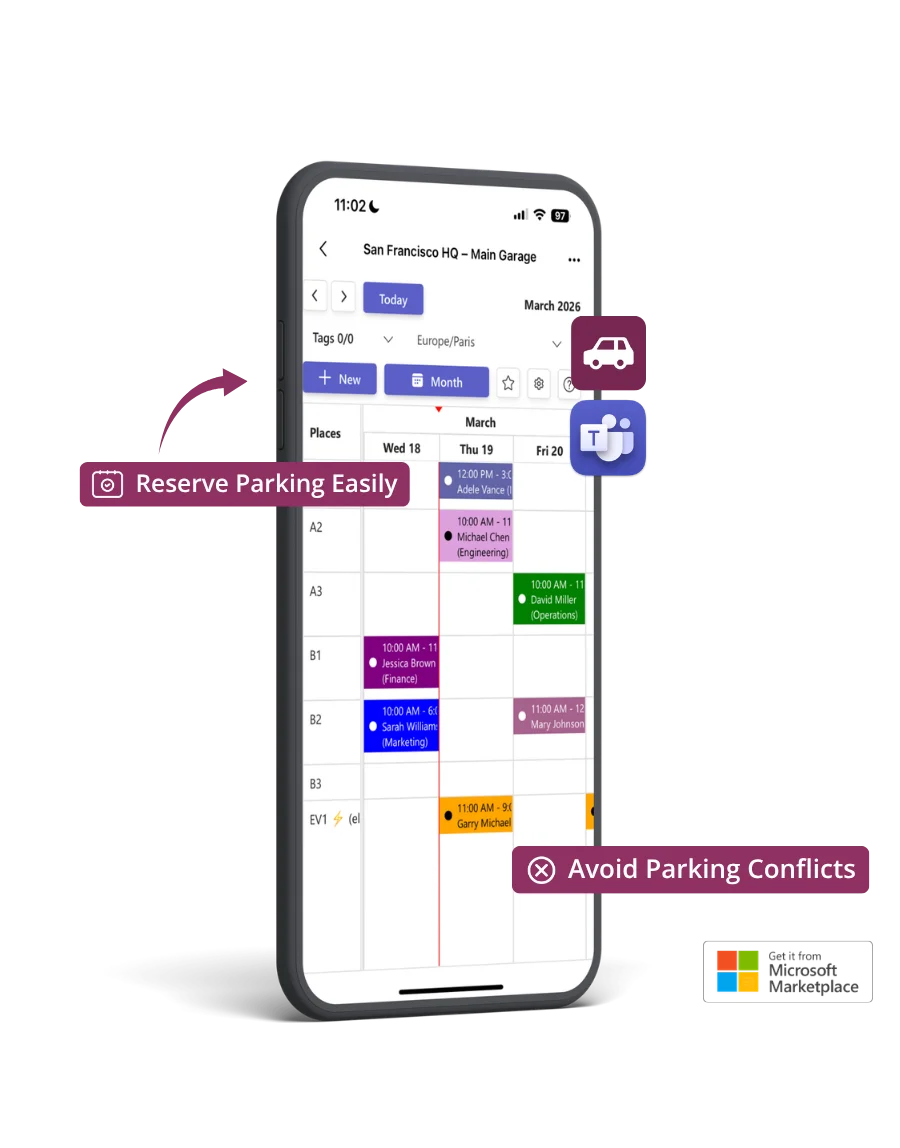
Parking Pro takes the daily frustration out of shared parking. Everyone sees what's available, books their spot, and gets on with their day.
Check parking availability instantly, right from Teams. No emails, no guesswork.
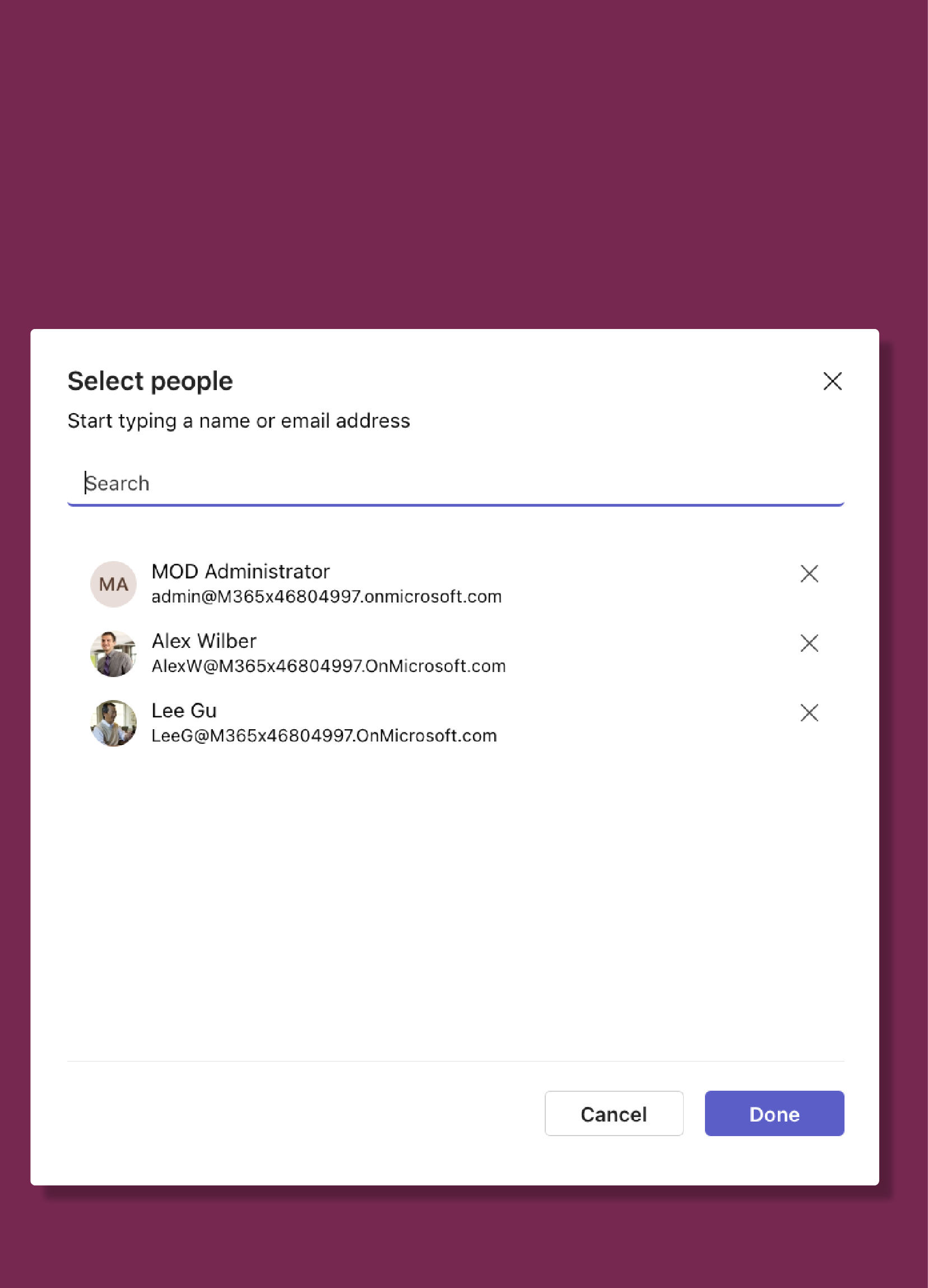
Waitlists, priorities, and rotation ensure that spots are shared equitably across the team.
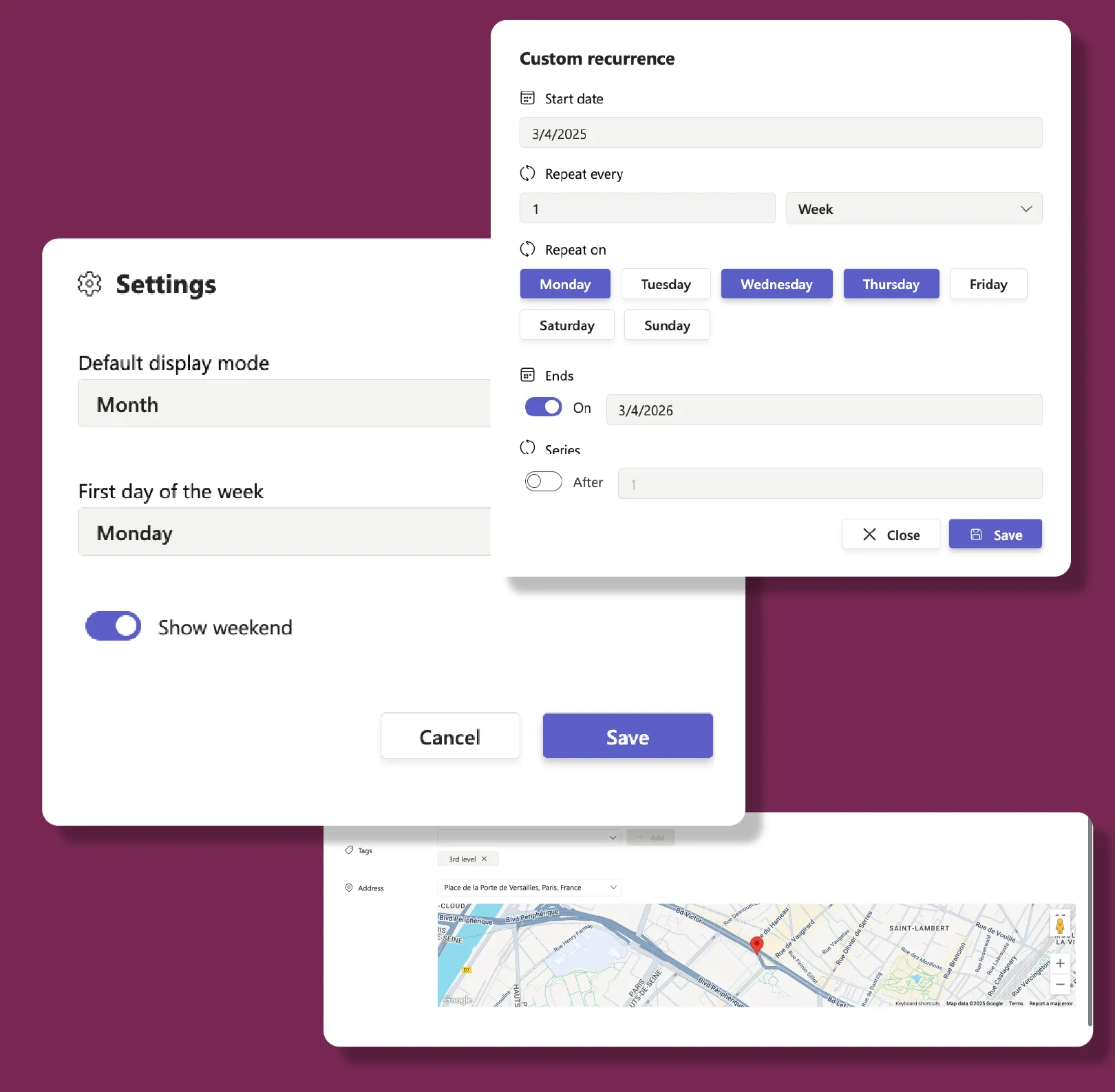
Add your spots, invite your team, and start managing parking today. No IT support needed.
Effortless reservations
Waitlists & fairness
Admin control
Popular scenarios
From corporate offices to hospitals and factories, Parking Pro helps organizations manage shared parking fairly and efficiently.
Manage limited parking for hybrid workers. First come, first served, or priority-based.
Reserve spots for on-call staff, visitors, and emergency vehicles with clear priority rules.
Organize shift-based parking for large teams with clear zones and time slots.
Enterprise-grade security on Microsoft Azure. Your data stays in your Microsoft 365 environment.
Enterprise-grade security on Microsoft Azure with ISO 27001 certification and 99.9% uptime.
EU-hosted infrastructure with full GDPR compliance. Your data stays in your region.
Microsoft Solutions Partner with deep integration into Microsoft 365 and Azure AD.
Use this simulator to calculate your team’s cost. When you’re ready, visit Microsoft Marketplace to complete your purchase.
Simulate your pricing
Seats
Free
Premium
PopularPlatinum
Go with Premium if you manage multiple lots and want flexible reservations: unlimited spots, advanced booking options, and weekend controls: without needing custom access settings. Choose Platinum if you need more power: shared management, detailed permission controls, and API access to integrate parking workflows with your other systems.
Core Features | |||
Parking Places |
(Limited to 3) |
(Unlimited) |
(Unlimited) |
Unlimited Single Reservations | |||
Color to reservations | |||
Teams notifications when adding, removing and updating reservations | |||
Show/Hide weekends | |||
Advanced reservation options (frequency, tags, and location) | |||
Print reservation page | |||
Permissions and integrations | |||
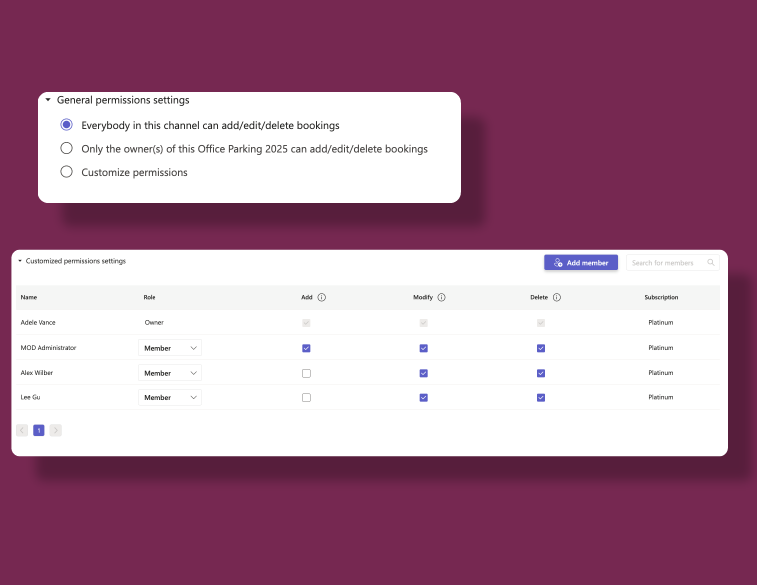
Allow all users to add/edit/delete reservations | |||
Allow only the owner(s) to add/edit/delete reservations | |||
Messaging extension | |||
Manually add reservations to Outlook | |||
Customize permissions | |||
More than 1 Parking Pro owner | |||
Public API | |||
Data Management | |||
EU Data Residency | |||
GDPR Compliance | |||
Data Storage and Backup |
(Data is stored but recovery is not guaranteed) |
(Data is stored but recovery is paid) |
(Data storage and recovery are free) |
Data Retention Policy |
(Data retained for 1 year) |
(Data retained for 5 year) |
(Data retained indefinitely) |
Business Support | |||
Help Center Access | |||
Support Tickets and Live Chat | |||
Priority handling |
FAQ